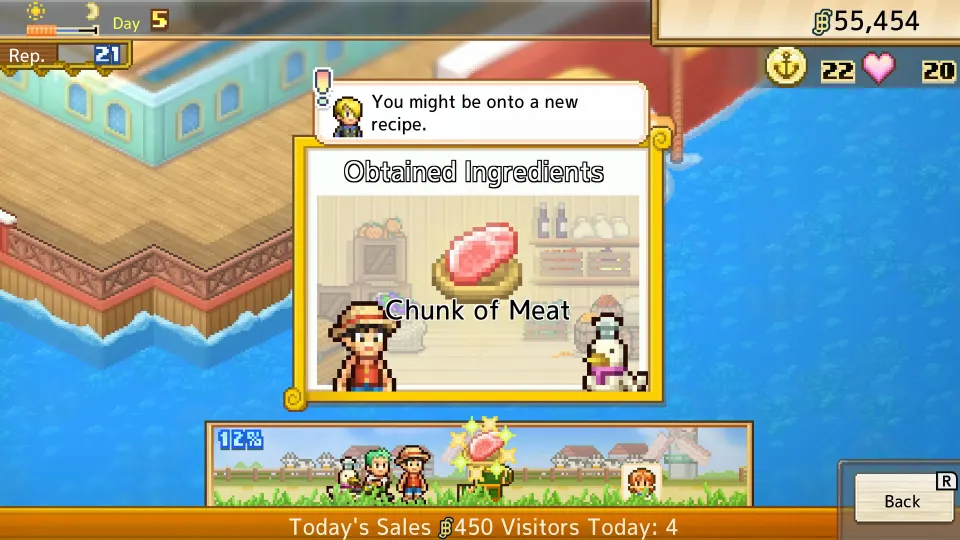
Does ONE PIECE: Grand Gourmet support cross save?
Cross save between Nintendo, Steam, and mobile versions has not been officially confirmed. Nintendo explicitly states that saves from the Nintendo Switch version cannot transfer to the dedicated Nintendo Switch 2 version. If continuing the same restaurant across devices matters to you, choose your starting version with that restriction in mind.
ONE PIECE: Grand Gourmet is Kairosoft's restaurant management game about building Baratie Number Two with the Straw Hat Crew. Bandai Namco lists Nintendo Switch, Nintendo Switch 2, Steam, the App Store, and Google Play as platforms. That availability gives you several places to play, but it does not establish that those versions share progress. Official game page
| Save transfer route | Current status | What it means for your restaurant |
|---|---|---|
| Nintendo Switch version to Nintendo Switch 2 version | Explicitly unsupported | Your Switch save cannot be imported into the dedicated Switch 2 version. |
| Steam and Nintendo versions | Not officially confirmed | Do not assume you can continue a PC restaurant on Nintendo. |
| Mobile and Steam | Not officially confirmed | A phone save has no confirmed transfer route into the Steam version. |
| iPhone or iPad and Android | Not officially confirmed | Moving between mobile operating systems has no confirmed shared-save procedure. |
There is an important difference between an explicitly blocked transfer and an unannounced feature. The Nintendo version restriction is definite. For the other routes, the practical advice is to plan around separate progress until official instructions identify a supported connection. An unconfirmed route should not become the reason you buy another copy.

Nintendo Switch and Switch 2 transfer restrictions
The Nintendo Switch 2 store listing gives the clearest save information available. It lists Save Data Cloud support, but separately rules out both upgrading the Switch version to the Switch 2 version and transferring save data between those versions.
| Feature on the Switch 2 listing | Listed support | Practical consequence |
|---|---|---|
| Save Data Cloud | Supported with Nintendo Switch Online | Cloud backup is available under the membership requirement. |
| Upgrade from the Nintendo Switch version | Not supported | There is no supported upgrade path between these editions. |
| Transfer a Nintendo Switch version save into the Switch 2 version | Not supported | Buying the dedicated Switch 2 version will not carry over that restaurant. |
| Run the dedicated Switch 2 version on an original Switch | Not supported | Check the edition before purchasing. |
These are separate restrictions. An upgrade concerns moving from one software edition to another, while a save transfer concerns carrying existing progress over. Nintendo addresses both, so buying the dedicated Switch 2 release does not solve the save-transfer problem.
Keep the wording tied to the versions involved. The explicit restriction concerns the Switch version to Switch 2 version transition. It should not be expanded into unsupported claims about every console replacement, system transfer, or backup scenario.
Cloud backups and cross save serve different purposes
Cloud backup stores a copy of save data through a platform service. Cross save allows compatible versions to continue the same progress across supported platforms. A game can offer a backup feature without offering a connection between its Nintendo, Steam, and mobile releases.
For Grand Gourmet, Nintendo confirms Save Data Cloud for the Switch 2 edition and requires a Nintendo Switch Online membership for that backup feature. The same listing still prohibits importing a save from the Switch version. The cloud-support label does not override the edition restriction. Nintendo store listing
Account sign-in also needs game-specific instructions. No shared account-linking procedure for Nintendo, Steam, and mobile progress has been officially confirmed. There is no confirmed basis for assuming that matching email addresses or signing into a publisher account will connect these saves.
Likewise, Nintendo's cloud feature says nothing about Steam Cloud or mobile backup behavior. Check the feature information for the particular version you own. Backup support documented for one storefront should not be treated as a promise for every release.
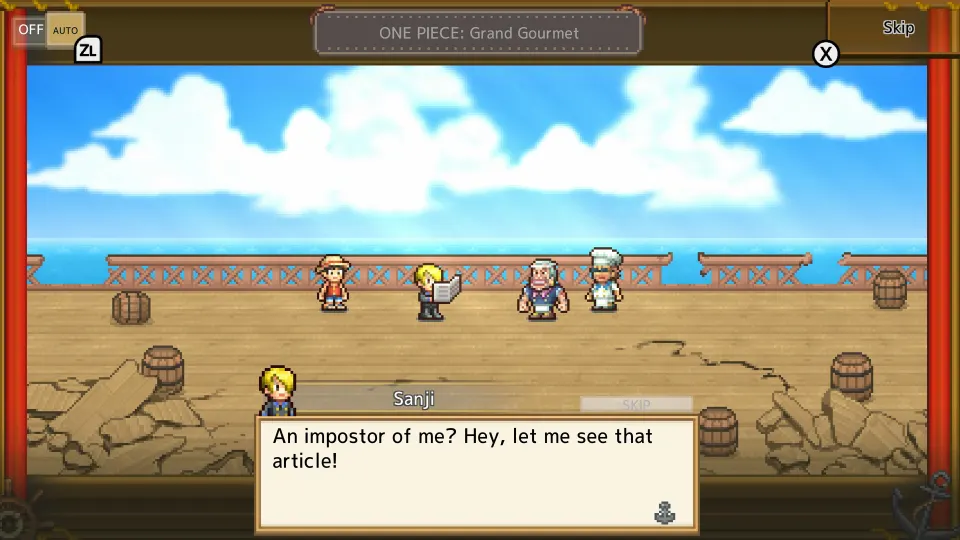
Mobile, Steam, and the Android-on-PC claim
Mobile is part of the same Grand Gourmet release, with the restaurant-building premise described on Bandai Namco's official page. However, the same game appearing on multiple storefronts does not establish compatible save files or a shared progression service.
When checking mobile save instructions, first make sure they concern the correct app. The Grand Gourmet mobile guide identifies these listings:
| Mobile version | Store identifier | Listed publisher |
|---|---|---|
| iPhone and iPad | App Store app ID 6771652722 | Bandai Namco Entertainment |
| Android | Google Play package com.bandainamcoent.op_restaurant | Bandai Namco Entertainment |
Those identifiers help distinguish the intended game from similarly named apps. They do not establish save compatibility between iPhone, iPad, Android, or Steam. Shared progress between those versions has not been officially confirmed, and a device meeting the installation requirements does not answer the transfer question.
A player in the launch discussion on Reddit claimed that purchasing on Google Play also allows PC access without an additional payment. Treat that as an unverified player report about access. It does not establish Steam ownership, automatic save synchronization, or a supported mobile-to-Steam transfer.
The word “PC” needs particular care here. A report about accessing an Android purchase on a computer is not confirmation that the separate Steam release can read that purchase's save. Anyone choosing between phone and Steam should verify the exact storefronts involved before depending on continuity.
What to check before changing platforms
The safest purchasing decision is to start on the version where you expect to spend most of your time. If moving an established restaurant is essential, resolve the save question before buying a second edition.
- Identify your current version precisely. Record whether you use the Switch edition, dedicated Switch 2 edition, Steam release, App Store app, or Google Play app. “Nintendo” and “PC” are too broad when checking transfer instructions.
- Name the destination version as well. Moving from Switch software to dedicated Switch 2 software is the explicitly unsupported case. For other combinations, look for instructions naming both the starting and destination versions.
- Separate backups from transfers. A cloud backup label tells you about backup support. It does not by itself establish that a different edition or storefront can load the saved restaurant.
- Require a clear save statement. A purchase-access claim, account login, or successful installation is insufficient. Look for confirmation that existing progress transfers or synchronizes, including any limitations.
- Preserve your current installation and progress. Until a supported migration is established and the destination loads correctly, keep access to the original restaurant. Buying or installing another version is not evidence that a transfer succeeded.
For an official support inquiry, describe the exact route you need, such as “Google Play Android to Steam” or “App Store iPhone to Android.” Ask whether that route supports a one-time transfer, continuing synchronization, or neither. Those distinctions determine whether you can move once or regularly alternate devices.
FAQ
What is the one piece grand gourmet cross save status at launch?
As of October 23, 2026, cross save connecting Nintendo, Steam, and mobile versions has not been officially confirmed. Nintendo specifically states that saves cannot transfer from the Switch version to the dedicated Switch 2 version.
Does Nintendo Switch Online enable the blocked transfer?
No. Nintendo lists Save Data Cloud support for the Switch 2 edition with a membership requirement, while separately prohibiting Switch-version save transfers into that edition. Paying for cloud backup does not remove that restriction.
Can I upgrade my Switch copy and keep my restaurant?
Nintendo says upgrading from the Switch version to the Switch 2 version is unsupported. It also separately rules out transferring the save. Do not purchase the dedicated Switch 2 edition expecting your existing restaurant to carry over.
Can I play one restaurant on my phone and Steam?
That connection has not been officially confirmed. There are no confirmed account-linking or transfer instructions establishing shared restaurant progress between the mobile apps and Steam. Choose your starting platform without assuming that connection exists.
Does Android access on PC mean Steam cross save works?
No such conclusion follows from the player report. Access to an Android purchase on a computer, ownership of the Steam release, and synchronization of saves are separate features. The Reddit comment does not verify Steam cross save.
Can I move progress when replacing my phone?
Same-platform phone migration is a different question from cross save, and a Grand Gourmet procedure has not been officially confirmed. Keep the old installation available until you have verified the applicable restore process and successfully opened your restaurant on the replacement device.