Where can you play ONE PIECE: Grand Gourmet?
ONE PIECE: Grand Gourmet is available on Nintendo Switch, Nintendo Switch 2, Windows PC through Steam, iOS, and Android. Choosing the right edition matters because the two Nintendo versions are separate purchases, with no supported upgrade or save transfer between them. For mobile players, device compatibility and regional store pricing are the main things to check before buying.
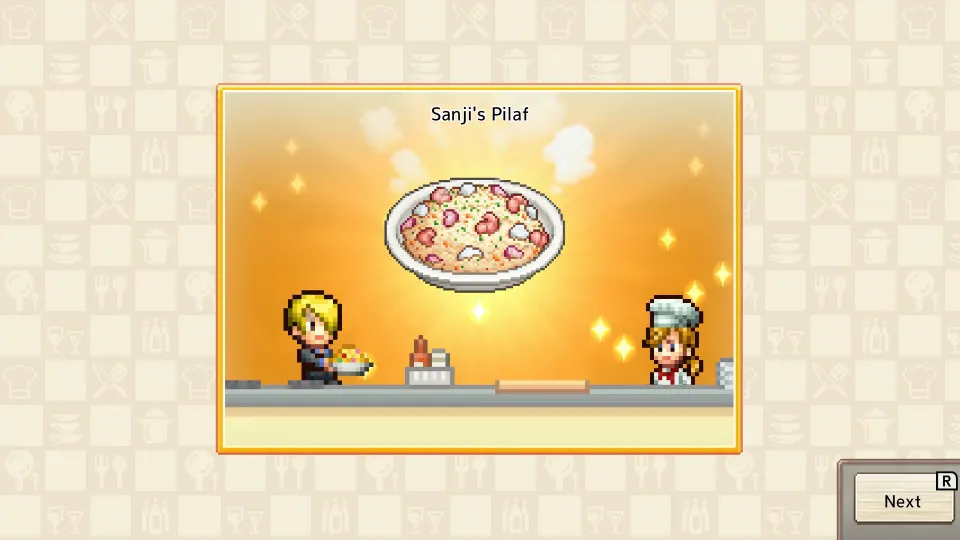
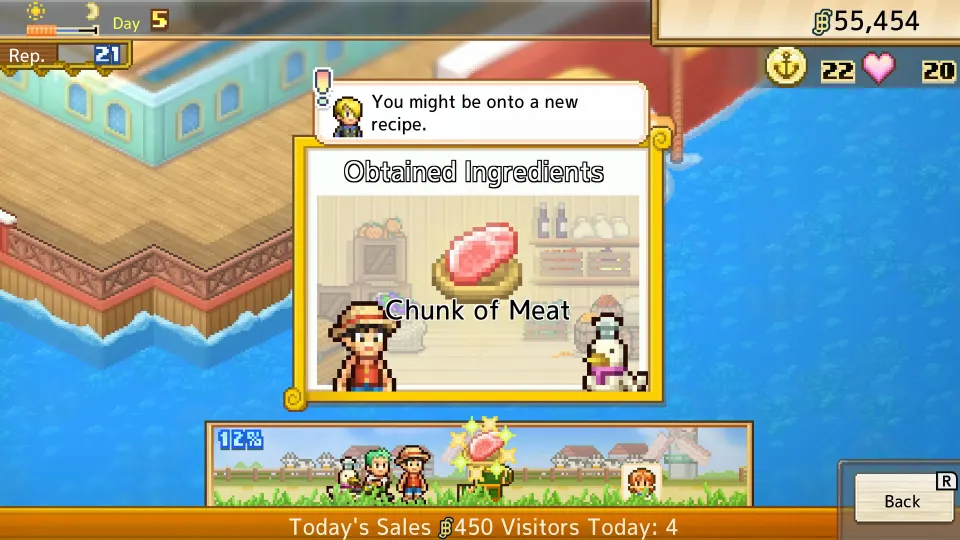
Bandai Namco’s official game page lists all five platforms and marks the game as available. Developed by Kairosoft, this single-player restaurant management game puts you alongside the Straw Hat Crew aboard Baratie Number Two. You gather ingredients, create meals with Sanji, and furnish a floating restaurant visited by familiar characters.
| Platform | Where to get it | Reported US price |
|---|---|---|
| Nintendo Switch | Nintendo eShop, Switch version | $19.99 |
| Nintendo Switch 2 | Nintendo eShop, Switch 2 version | $19.99 |
| Windows PC | Steam | $19.99 |
| iOS | Apple App Store | $12.99 |
| Android | Google Play | Check your regional listing |
These prices come from the October 21 platform guide. Check the amount displayed by your storefront before purchasing, especially outside the United States. The guide did not list a US Android price before launch.
The official announcement gives October 23, 2026, as the release date. The platform guide lists Steam’s US unlock as October 22 at 6 p.m. Eastern, explaining why players may encounter both dates.

Choosing between Nintendo Switch and Switch 2
Nintendo sells separate Switch and Switch 2 editions. The US Nintendo Switch listing also confirms that the original Switch edition is supported on Switch 2, with behavior consistent with the original console. That compatibility is useful if you already own the Switch release.
However, running the Switch game on newer hardware does not convert it into the dedicated Switch 2 edition. Nintendo explicitly rules out an upgrade between the editions and says saves cannot transfer from one version to the other.
| Nintendo consideration | What it means for your purchase |
|---|---|
| Separate editions | Check the selected console version before paying |
| Switch edition on Switch 2 | Nintendo lists it as supported |
| Upgrade from Switch to Switch 2 edition | Not supported |
| Save transfer between editions | Not supported |
| Touch controls | Reported for both editions |
| Cloud backup | Requires Nintendo Switch Online |
If you own a Switch 2 and are buying for the first time, select its dedicated edition unless you have a specific reason to choose the Switch release. Both have the same reported US price. If you already bought the Switch edition, its listed compatibility gives you a way to play on Switch 2 without purchasing the separate edition.
The Switch listing supports TV, tabletop, and handheld play. It also lists one player and touch-screen support. A Nintendo Switch Online subscription is needed for cloud save backup; it is not required simply to play.
For physical collectors, the October 21 platform guide reported only an announced Japanese Switch 2 package. It described the US release as digital only, so do not assume a local boxed edition is available.
Playing on PC through Steam
PC players can find the game on its Steam store page. The Steam app ID is 3905010, which also identifies the game’s community hub.
The October 21 platform guide describes the Steam release as Windows only. It reports no native Mac or Linux version. If you use either operating system, the existence of a Steam listing alone does not establish compatibility with your computer.
| Steam detail | Reported support |
|---|---|
| Native operating system | Windows |
| Controllers | Full controller support |
| PlayStation controllers | DualShock and DualSense support |
| Save backup | Steam Cloud |
| Additional features | Steam Achievements and Family Sharing |
| Steam Deck | No rating reported as of October 21 |
Check the system requirements on the store page before buying. The pixel-art presentation does not, by itself, establish that an older laptop or a particular handheld PC will run the game well.
Steam Deck requires a separate check. The prelaunch platform guide had no Deck compatibility rating to report, so look for the current status on Steam before making a purchase specifically for that device. Controller support is useful information, but it does not answer every question about handheld compatibility.
The Steam Community hub provides discussions, guides, screenshots, and reviews. For buying and installing the game, use the linked store page.
Playing on iOS and Android
The official platform list includes both the App Store and Google Play, making mobile an option for players without a Nintendo console or Windows computer. Search your device’s store for ONE PIECE: Grand Gourmet and confirm the complete title before purchasing.
The October 21 platform guide lists the US iOS release as a $12.99 paid app requiring iOS 13 or later. It gives an approximate download size of 214 MB. Treat that size as a planning figure, since the store’s current listing is the relevant check when installing.
| Mobile detail | iOS | Android |
|---|---|---|
| Store | Apple App Store | Google Play |
| Purchase model reported | Paid app | Paid download |
| US price reported | $12.99 | Not listed in the prelaunch guide |
| Compatibility information | iOS 13 or later | Check Google Play on your device |
| Store age rating reported | 4+ | Everyone |
Bandai Namco notes that some devices may be incompatible. Meeting a listed operating-system minimum is therefore only part of the check: make sure your store allows installation on the device you intend to use.
Both Japanese mobile versions were listed at 2,000 yen in the platform guide. That regional price does not establish the price in another country, so use your own store’s checkout amount.
The guide reported no listed in-app purchases on the mobile store pages. That is a description of those listings, rather than a guarantee about future updates. The useful distinction when choosing where to play is that both mobile releases were described as paid downloads.
How to pick the version that fits you
Start with the hardware you already use, then compare price, controls, and save arrangements. There is no need to choose based on an assumed multiplayer advantage: Bandai Namco lists Grand Gourmet as a single-player game.
Use this checklist before buying:
- For an original Switch: Select the Nintendo Switch edition and check that the store has not switched to the separate Switch 2 product.
- For a Switch 2: Choose the dedicated edition for a new purchase, or use the listed compatibility of an existing Switch copy.
- For a Windows computer: Open the Steam listing, review its system requirements, and check your preferred controller’s support.
- For an iPhone or other compatible iOS device: Check the App Store’s device compatibility and local price.
- For an Android device: Open Google Play on that device to see whether installation is supported and what the purchase costs.
Language support can also affect the decision. The platform guide reports 12 languages for Steam and Nintendo, including English, French, Italian, German, both listed Spanish variants, Brazilian Portuguese, Japanese, Korean, Thai, and Simplified and Traditional Chinese. Check the individual mobile listing if language availability determines your purchase.
Avoid buying a second edition on the assumption that progress will follow you. Nintendo explicitly blocks save transfer between its two versions. Steam Cloud and Nintendo cloud backup describe features within their respective services; they do not establish shared progress across PC, console, and mobile.
FAQ
For players searching “one piece grand gourmet where to play,” the available storefronts are Nintendo eShop, Steam, the App Store, and Google Play. The remaining questions mostly concern hardware support and choosing the correct edition.
Is ONE PIECE: Grand Gourmet on PS5 or Xbox?
No PlayStation or Xbox edition has been announced in the platform information reported by the October 21 guide. Bandai Namco’s official platform list names Nintendo Switch, Nintendo Switch 2, Steam, the App Store, and Google Play.
Can I play the Nintendo Switch version on Switch 2?
Yes. Nintendo lists the Switch edition as supported on Switch 2. That means you can run that edition on the newer console; it does not provide an upgrade to the separate Switch 2 release.
Can I move my save from the Switch edition to the Switch 2 edition?
No. Nintendo specifically says save data cannot transfer between those editions. Consider that restriction before starting on one version with plans to buy the other later.
Which version has the lowest reported US price?
The iOS version has the lowest reported US price among versions with a stated amount: $12.99, compared with $19.99 for Steam and each Nintendo edition. The prelaunch guide did not provide a US Android price, so a complete mobile price comparison requires checking Google Play.
Is it multiplayer, and do I need Nintendo Switch Online?
The game is listed as single-player, and Nintendo specifies one player on one system. Nintendo Switch Online is required for Save Data Cloud backup, but the platform guide states that a paid online subscription is not needed to play.